

Every sale connected — at your counter and online.
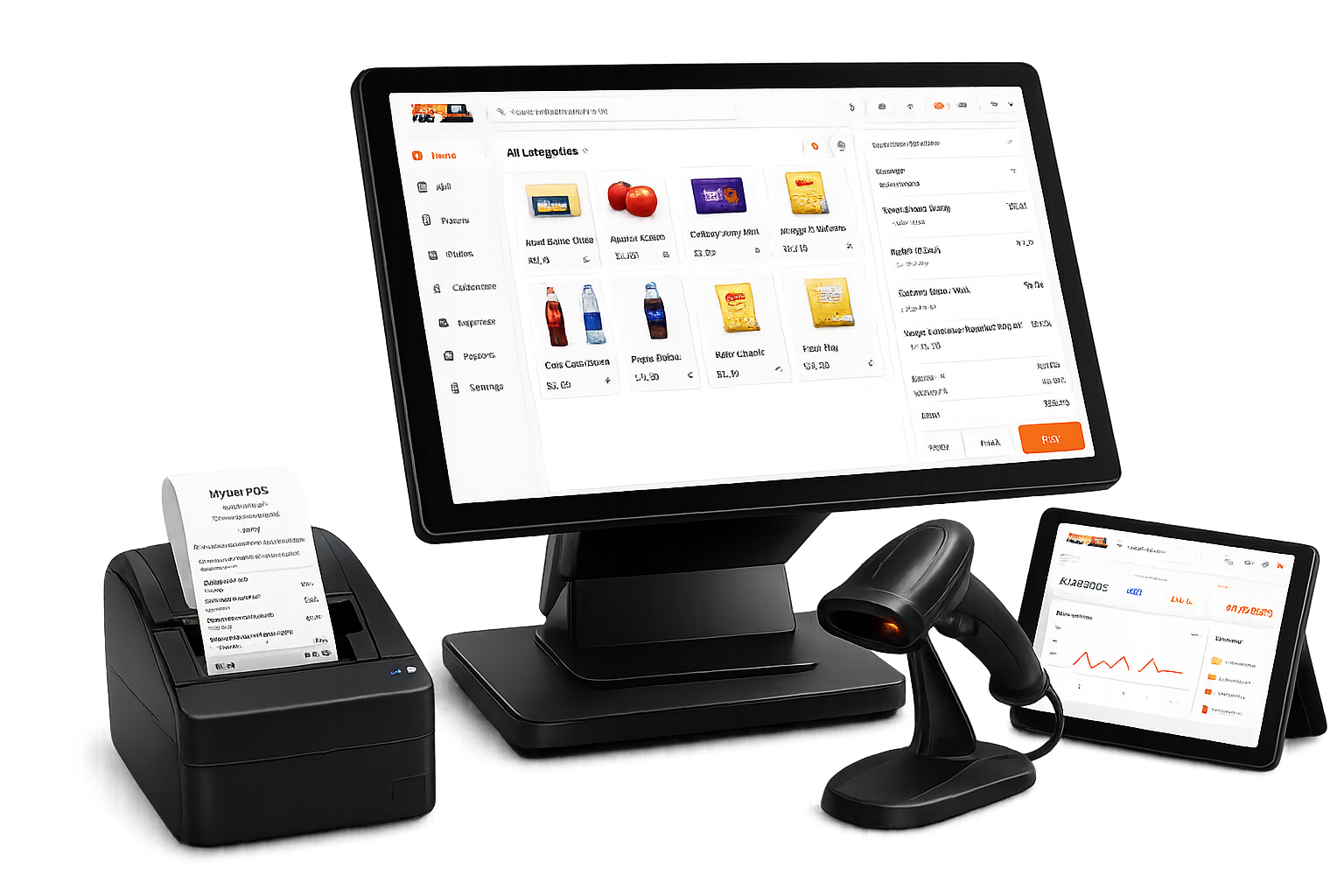
A modern POS for retail, grocery, supermarkets, pharmacies and growing multi-store businesses. Hosted by us, priced per store.

SHOPIFY INTEGRATION
Sync products, inventory, and orders.

WOOCOMMERCE INTEGRATION
Keep your POS and web store synchronized.

WHATSAPP INTEGRATION
Send receipts, quotations, statements, and payment documents.
Accept payments with







 Shopify ConnectedWhatsApp ConnectedWooCommerce Connected
Your POS. Your Online Store. One Connected System.
Bring physical and online selling into the same operational flow.
 ShopifyOnline store
 WooCommerceOnline store
Product overview
Run sales, stock, and reporting from one place.
Four core workflows show how GetBizApps POS supports daily store operations.
Cashier
Powerful cashier
Sell faster
Search, scan, discount, select a customer, take payment, and issue the receipt.
Inventory control
Stock tracking
142
Purchasing
+40
Low-stock alerts
8
Smart inventory
Stay in control
Watch quantities, purchasing, adjustments, and movement across locations.
Online + offline cashier
Keep selling without internet
Cashiers can create and complete orders even when the internet is down. Sales are saved locally and sync automatically when the connection returns.
Business overview
Sales
Profit
Stock
Reports & analytics
Know your business
Read sales, revenue, profit, expenses, stock, and best sellers at a glance.
Practical tools for everyday store operations.
Keep checkout moving, track stock accurately, and reduce manual work.
The queue never stops.
Take orders offline and let GetBizApps POS safely sync them when the connection returns.
Automatic pricing
Update the selling price from purchase cost and your configured margin.
Know exactly where it is.
Track inventory by aisle, fridge, rack, or godown—not just by store.
One POS. Three selling styles.
Switch the checkout layout to match a counter, fast lane, or visual catalog.
Sell what expires first.
FEFO suggestions surface the batch closest to its expiry date first, reducing waste.
Batch B-104
Expires first
Turn the second screen into trust.
Show the live cart, total, and a payment QR while the cashier completes the sale.
Stock moves as one continuous story.
Purchases add it, sales reduce it, and every adjustment stays visible.
Opening stock
120
Purchase
+40
POS sale
-18
Remaining
142
Track every IMEI.
Capture the IMEI or serial number at sale, so every device stays traceable end to end.
iPhone 15 Pro
35 682311 456789 0
Galaxy S24 Ultra
35 901244 178823 1
Manage the full warranty lifecycle.
Track coverage from registration to claim, so support teams always know what's covered.
THE COMPLETE RETAIL CYCLE
One workflow from product setup to performance report.
Every step feeds the next, so sales and stock stay connected.
01
Product02
Purchase03
Inventory04
POS sale05
Payment06
Receipt07
Report
BUSINESS WORKFLOWS
Choose the workflow that fits your business.
Use industry-specific tools without installing or maintaining separate software.
Fast, flexible retail
Variants, customers, and checkout in one clear view.
Move from product search to payment quickly while keeping the details that matter.
- Size and colour variants
- Customer history and loyalty
- Hold and resume carts
Item 1
Blue / MItem 2
Item 3
Item 4
Cart
- Item 1$0.00
- Item 2$0.00
- Item 3$0.00
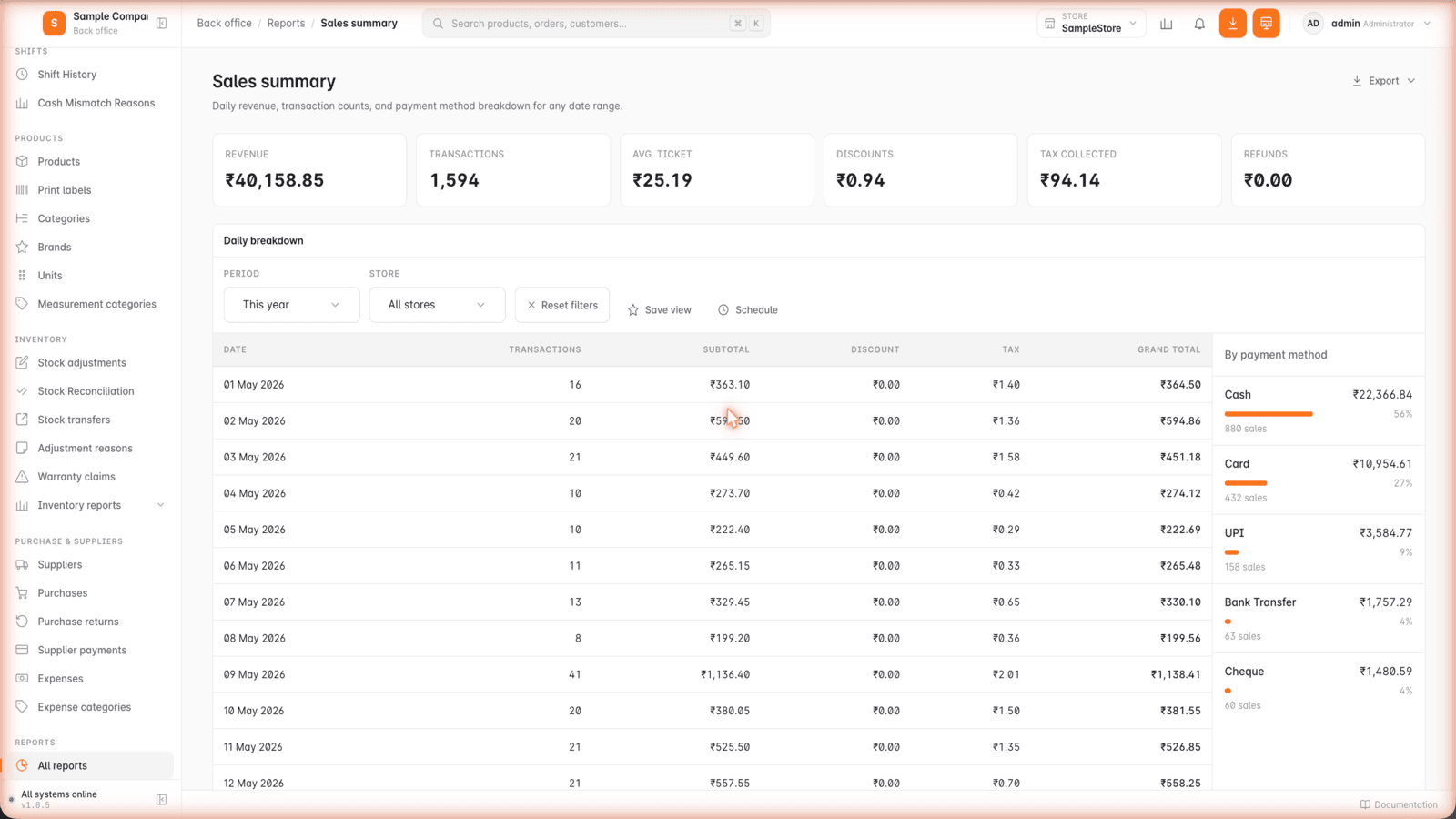
The business pulse
Open the numbers and know where the business stands.
Revenue, transactions, discounts, tax and the payment mix — for any date range, one store or all of them.
Real product. Real screens.
Look through the system before you buy it.
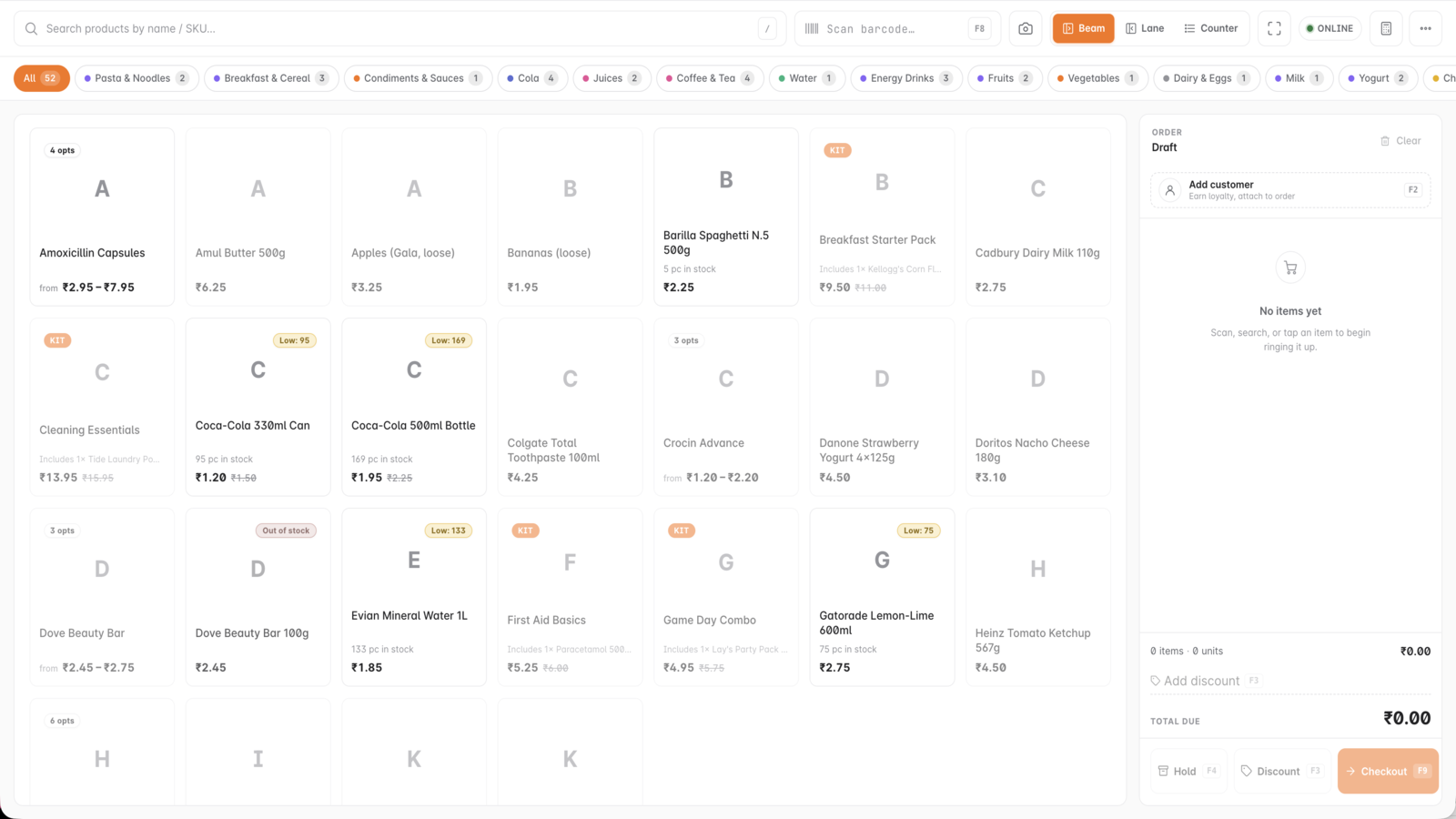
Every screen below comes from the working product—not a concept mockup.
Inside GetBizApps POS
Cashier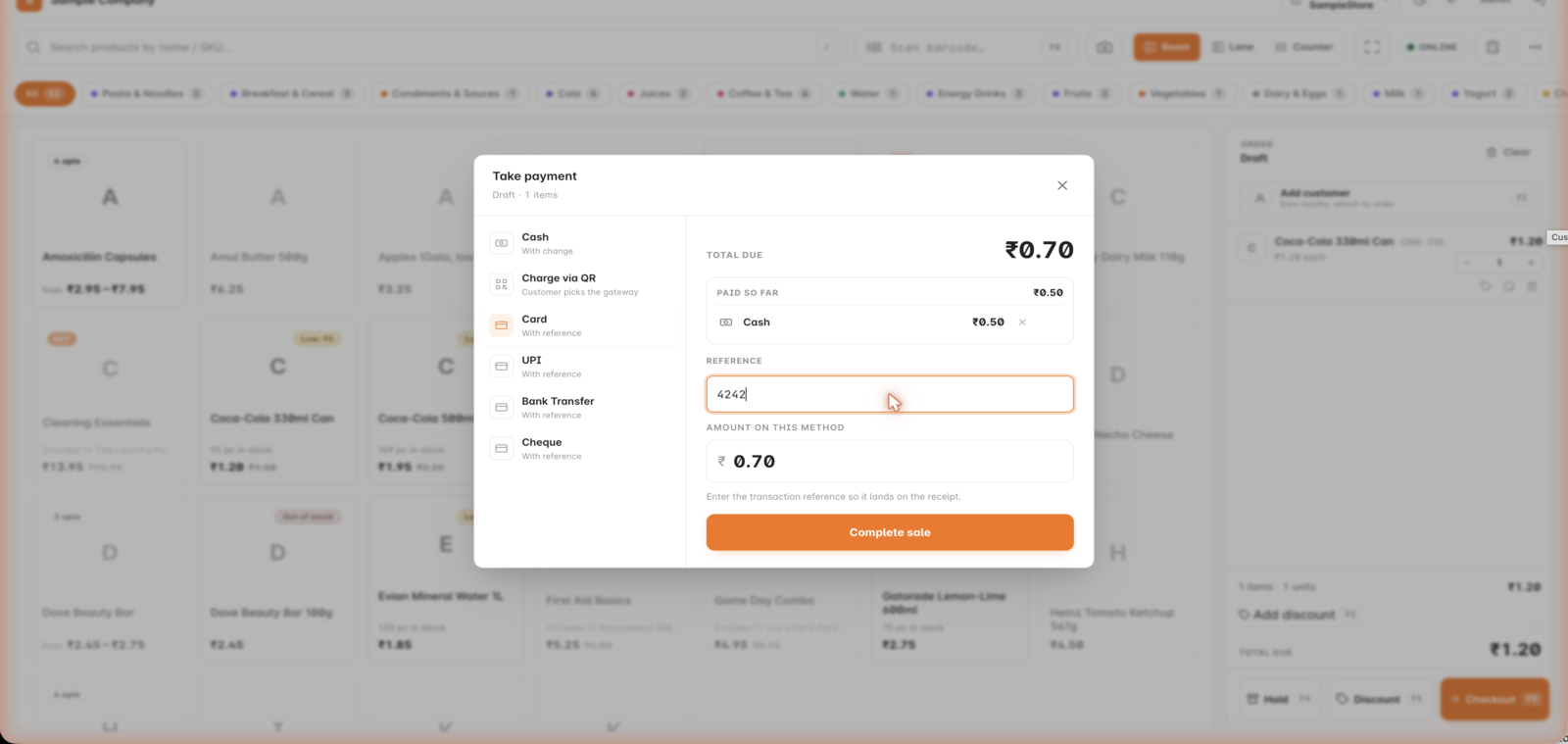
Inside GetBizApps POS
Split payment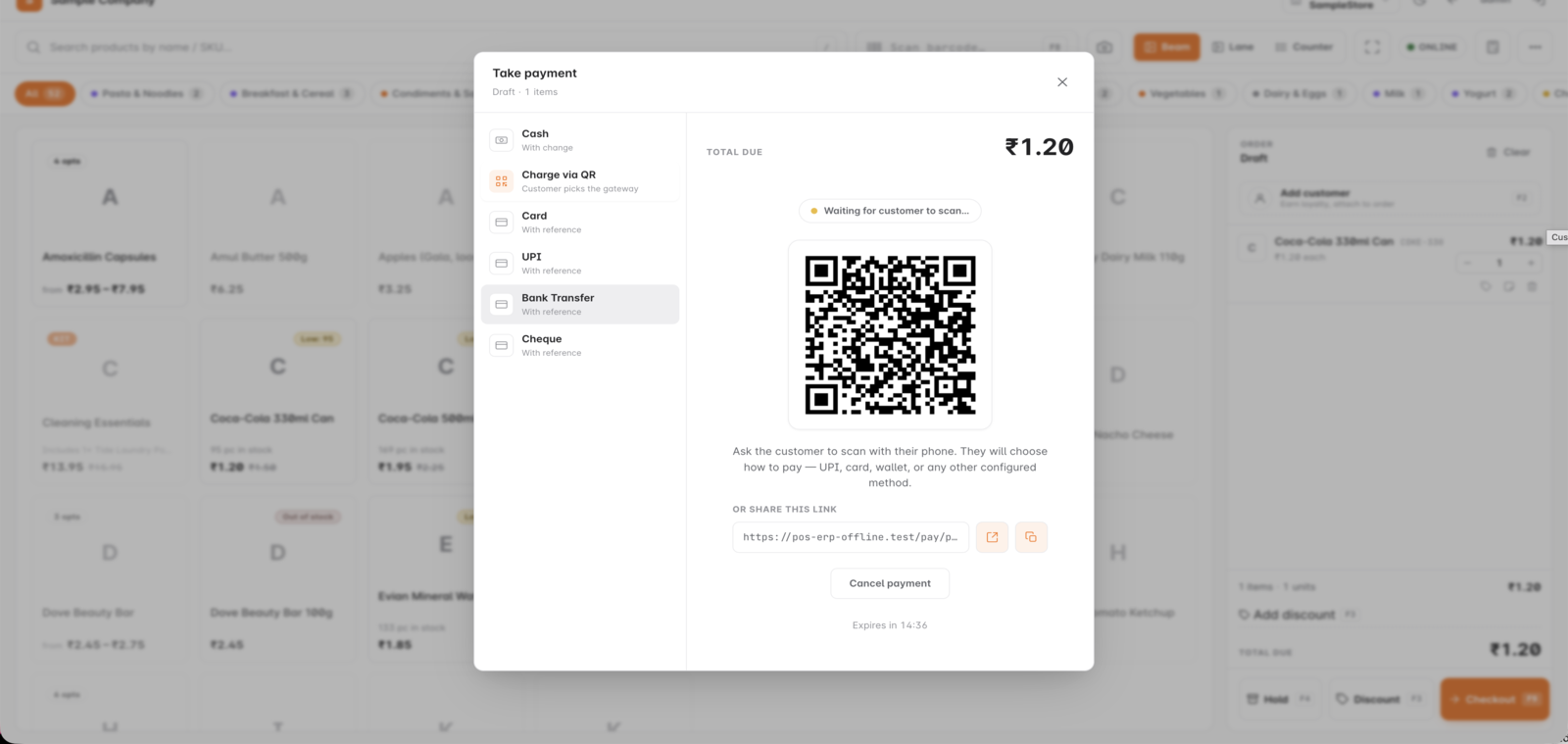
Inside GetBizApps POS
QR payment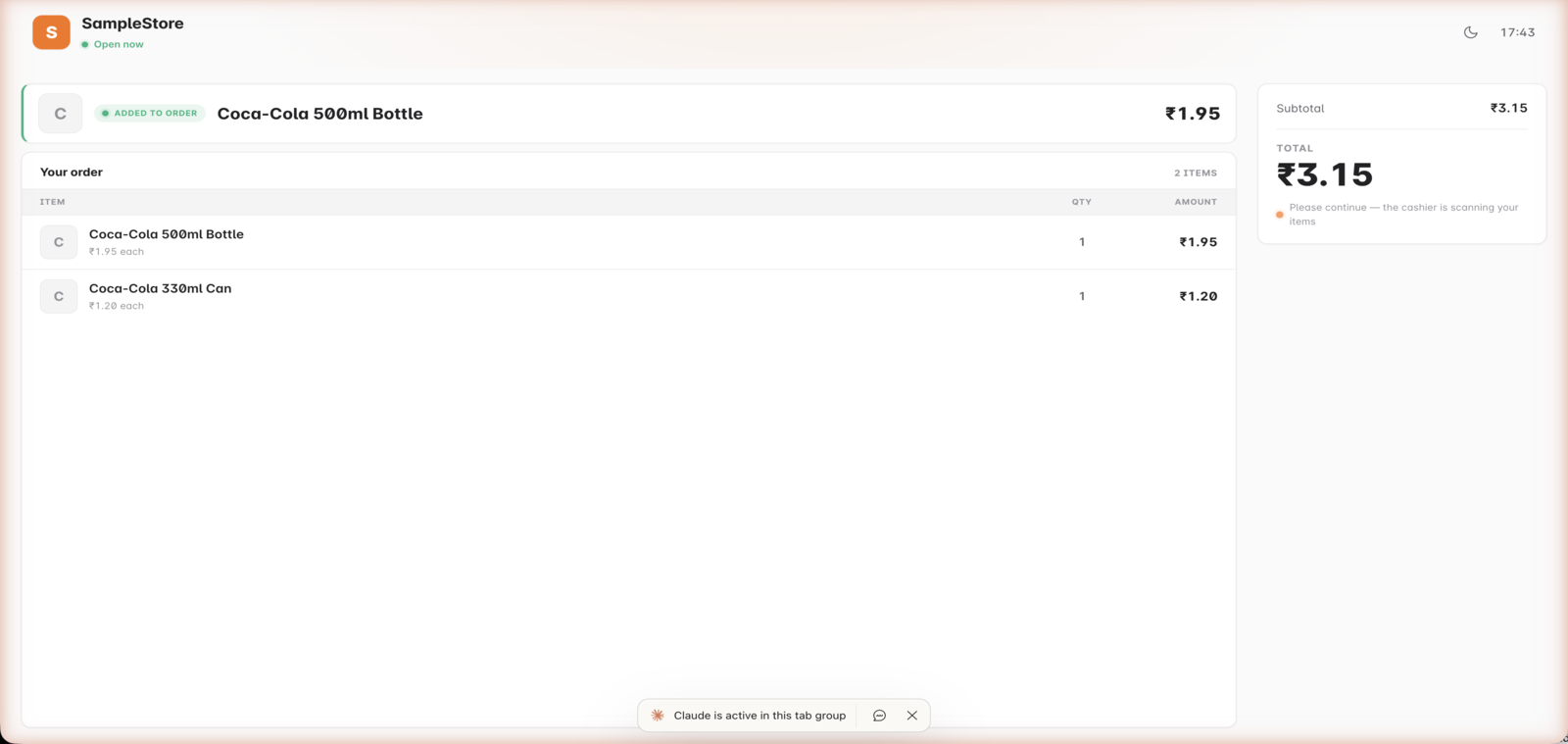
Inside GetBizApps POS
Customer display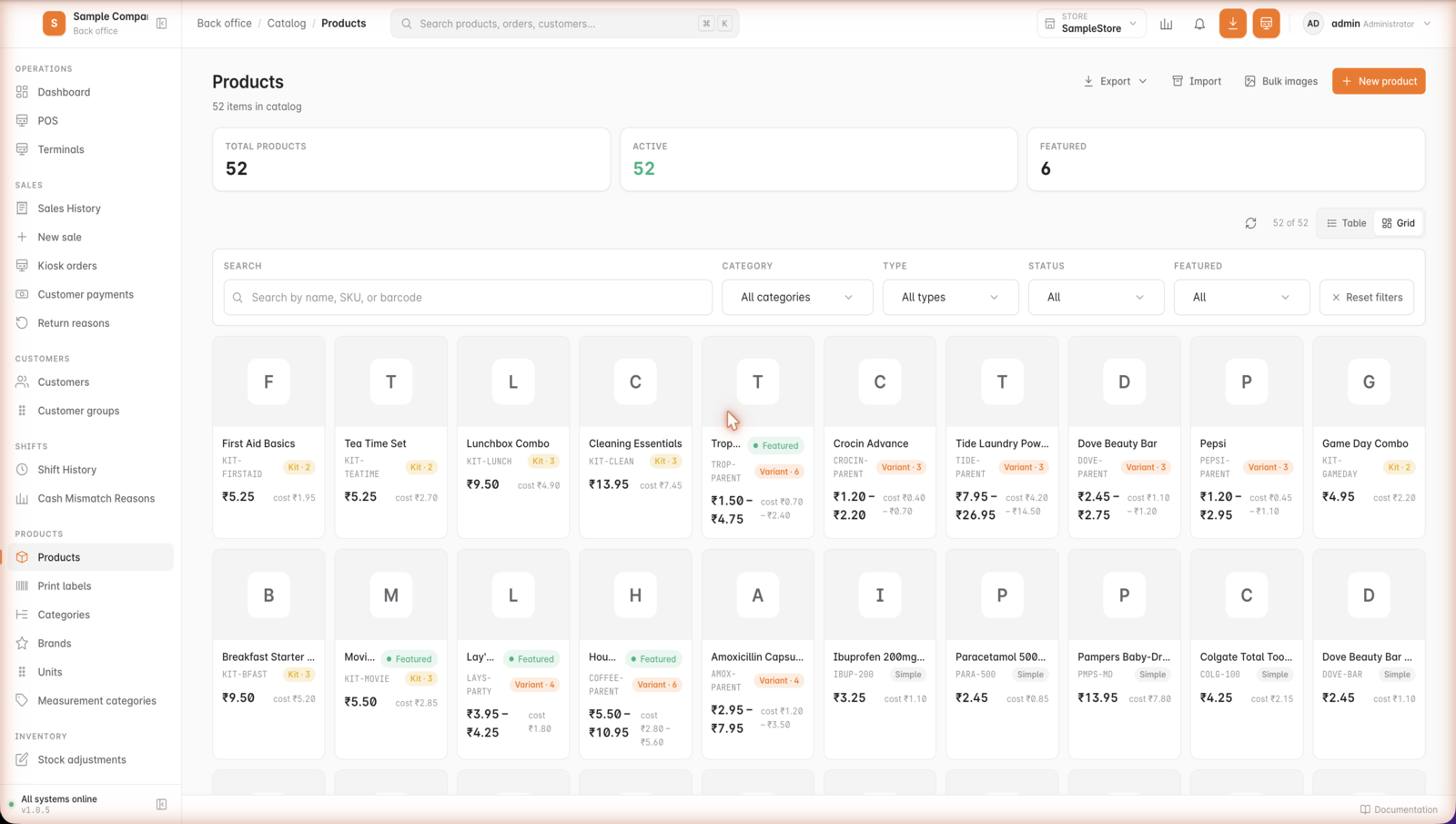
Inside GetBizApps POS
Products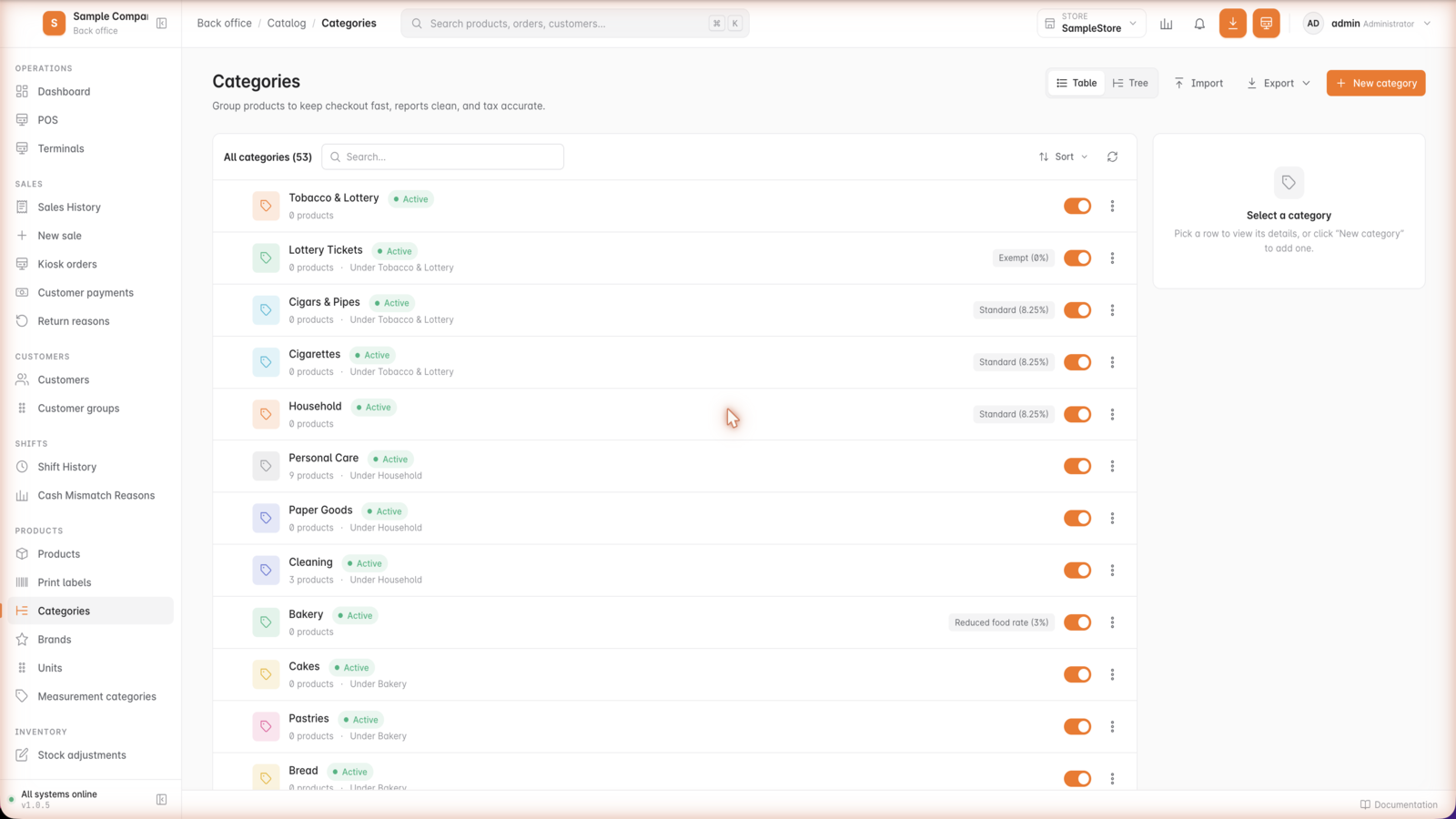
Inside GetBizApps POS
Categories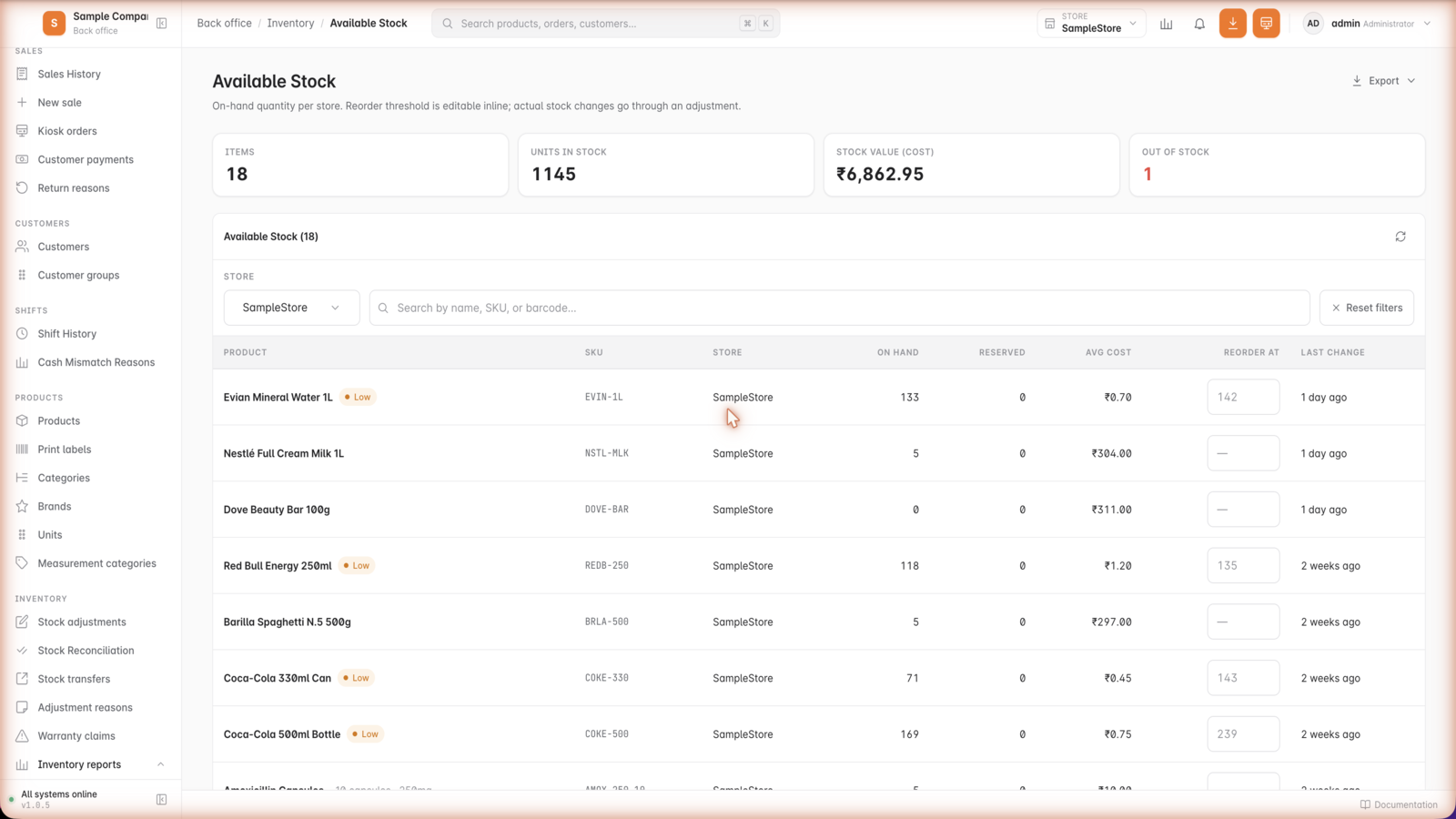
Inside GetBizApps POS
Stock levels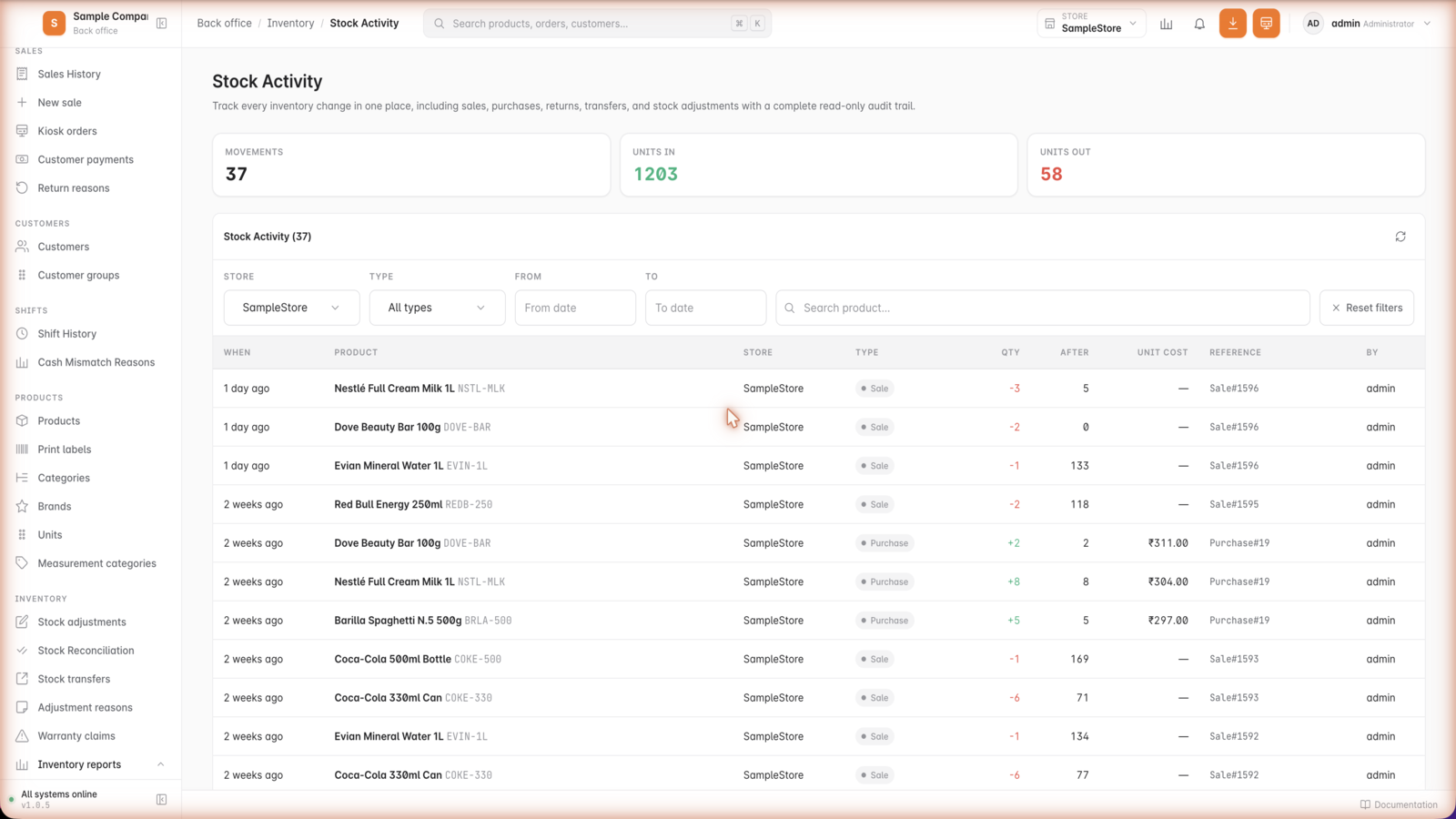
Inside GetBizApps POS
Stock movements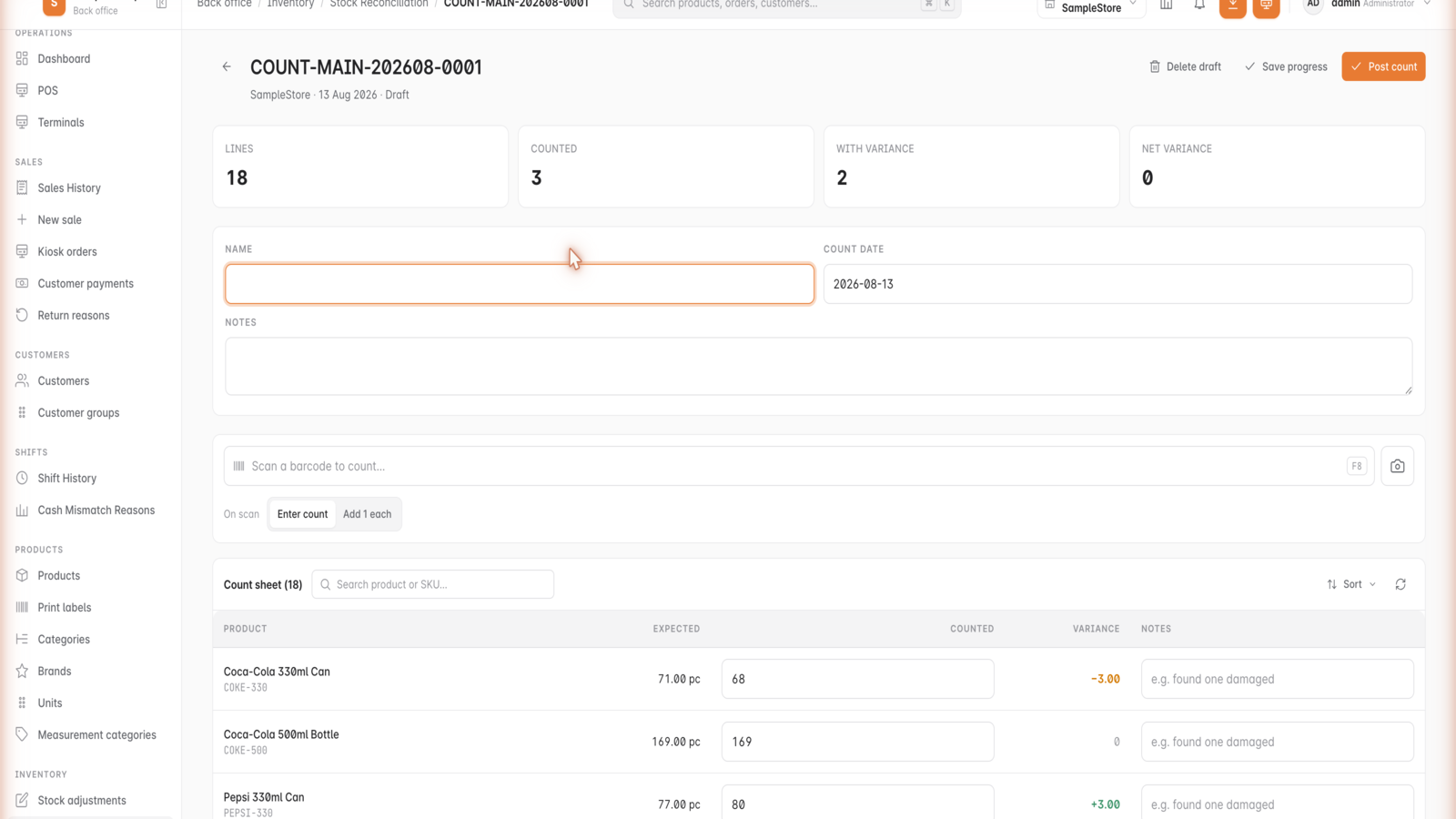
Inside GetBizApps POS
Stock take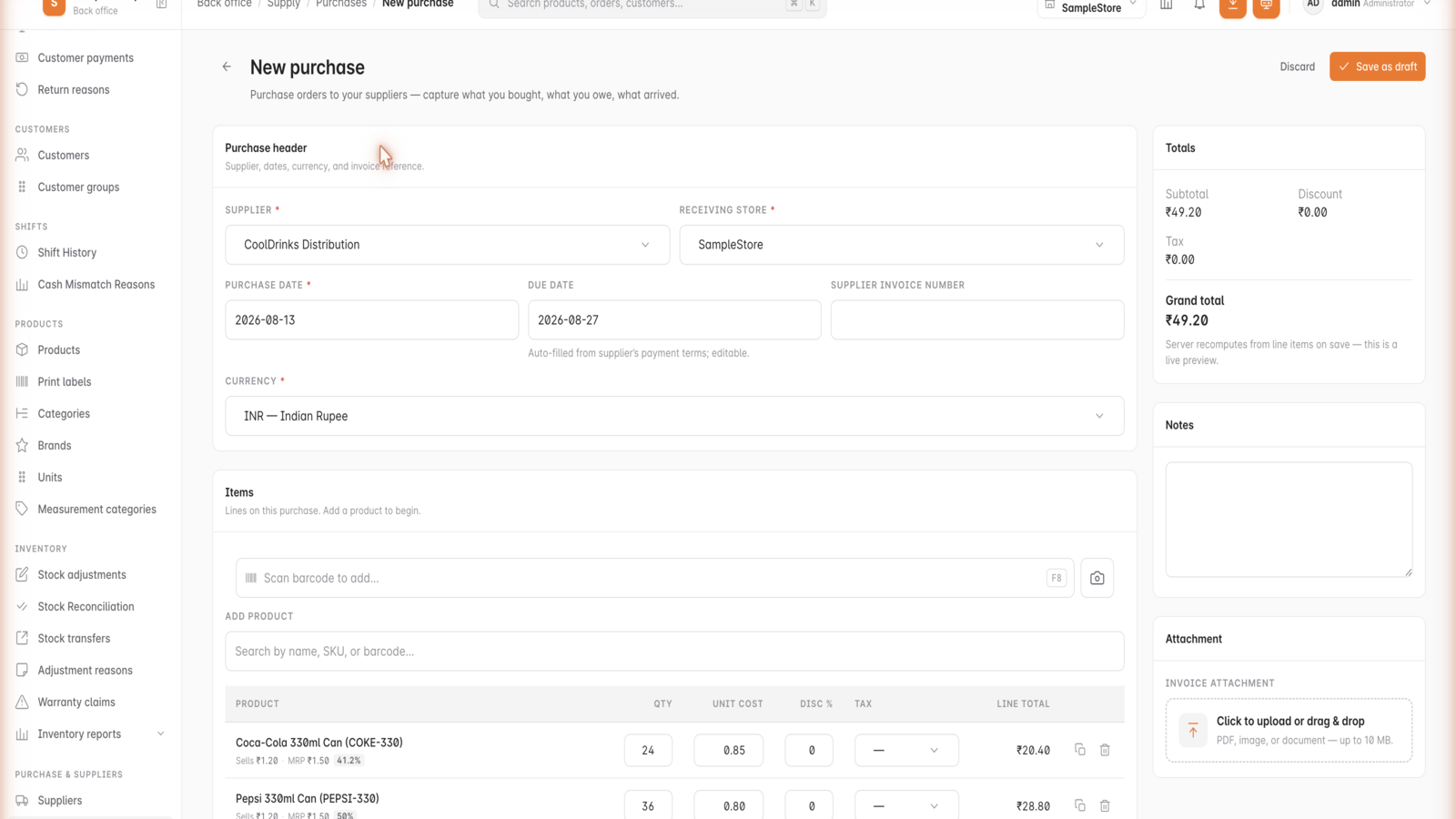
Inside GetBizApps POS
Purchases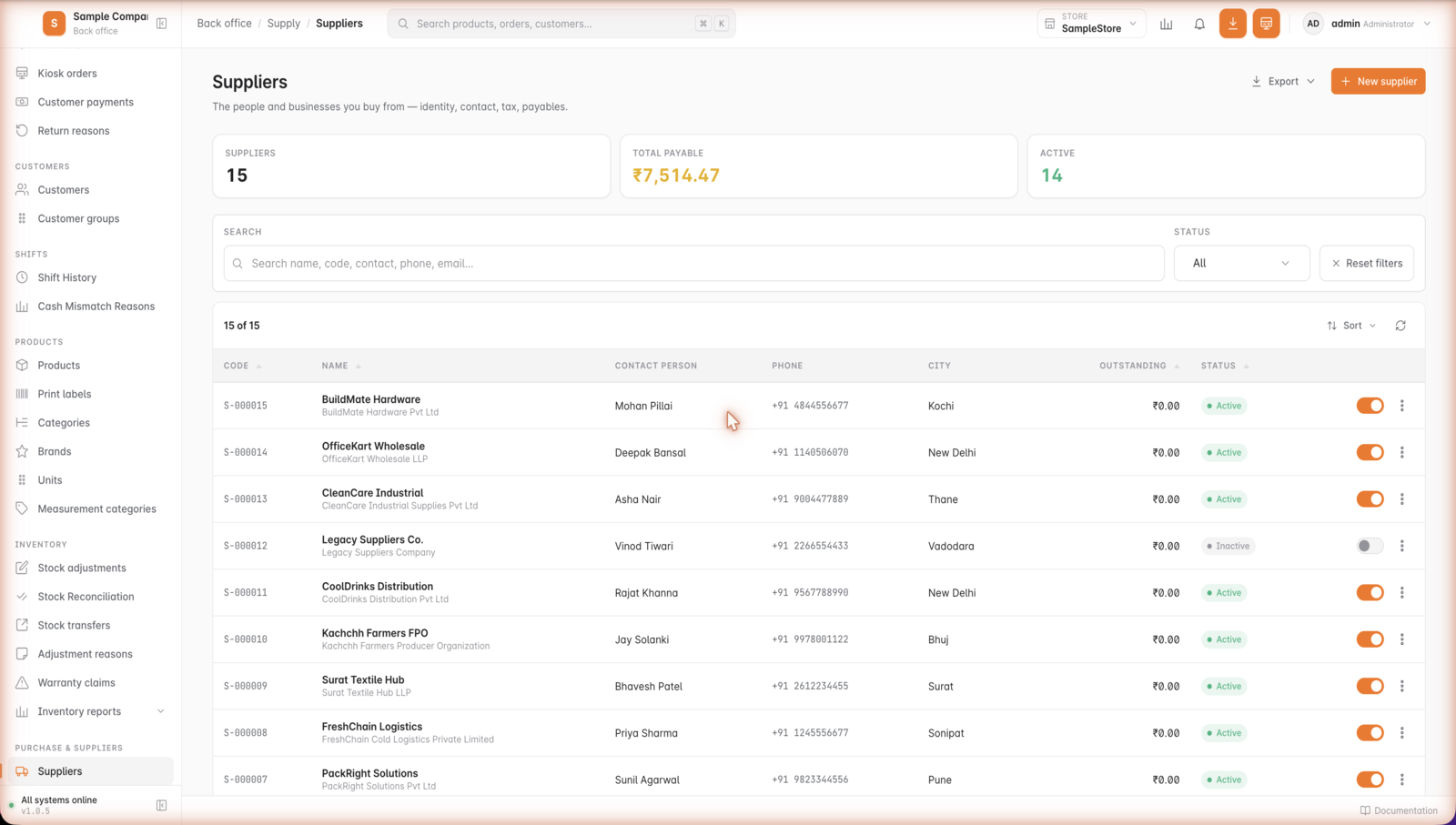
Inside GetBizApps POS
Suppliers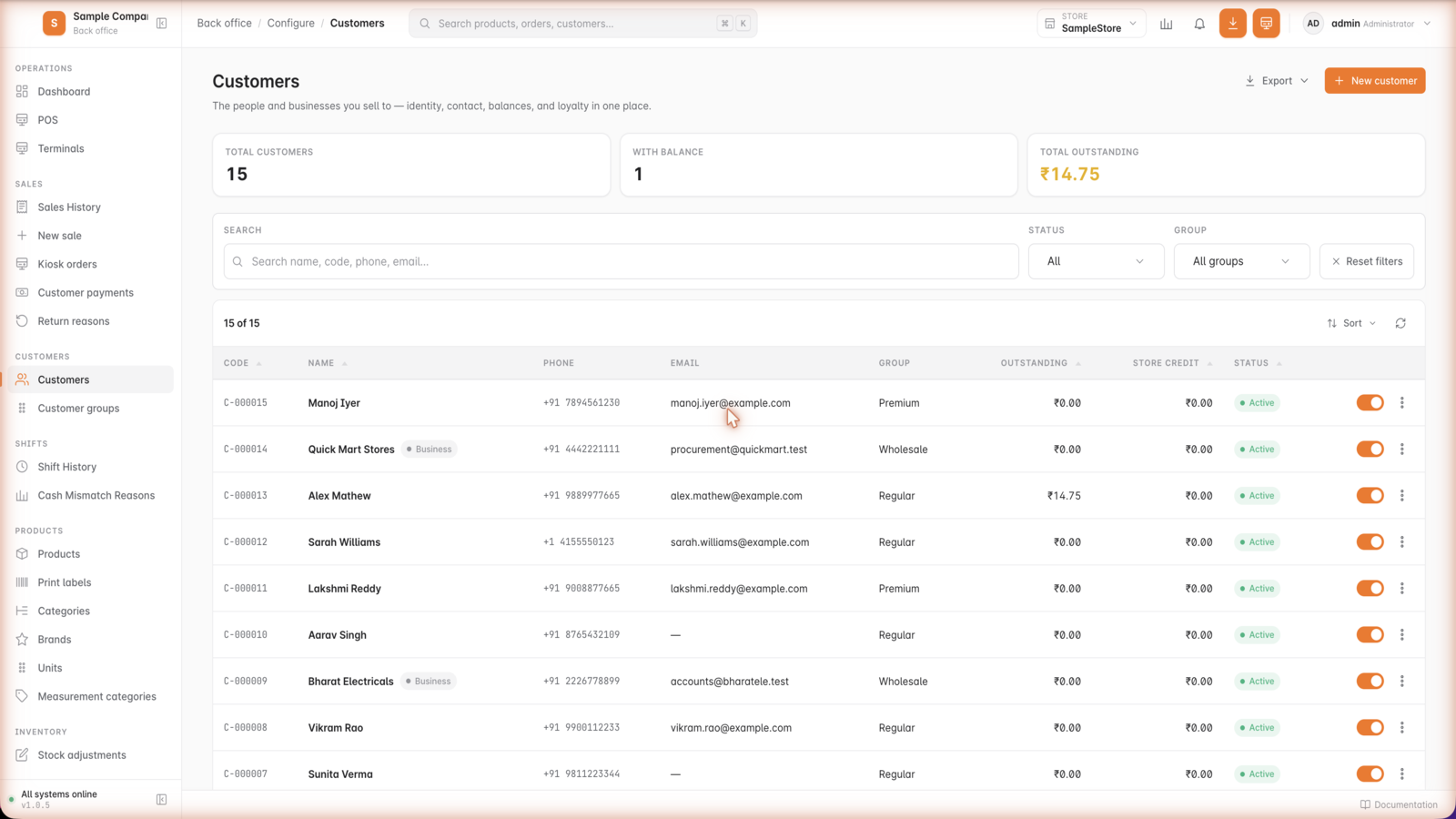
Inside GetBizApps POS
Customers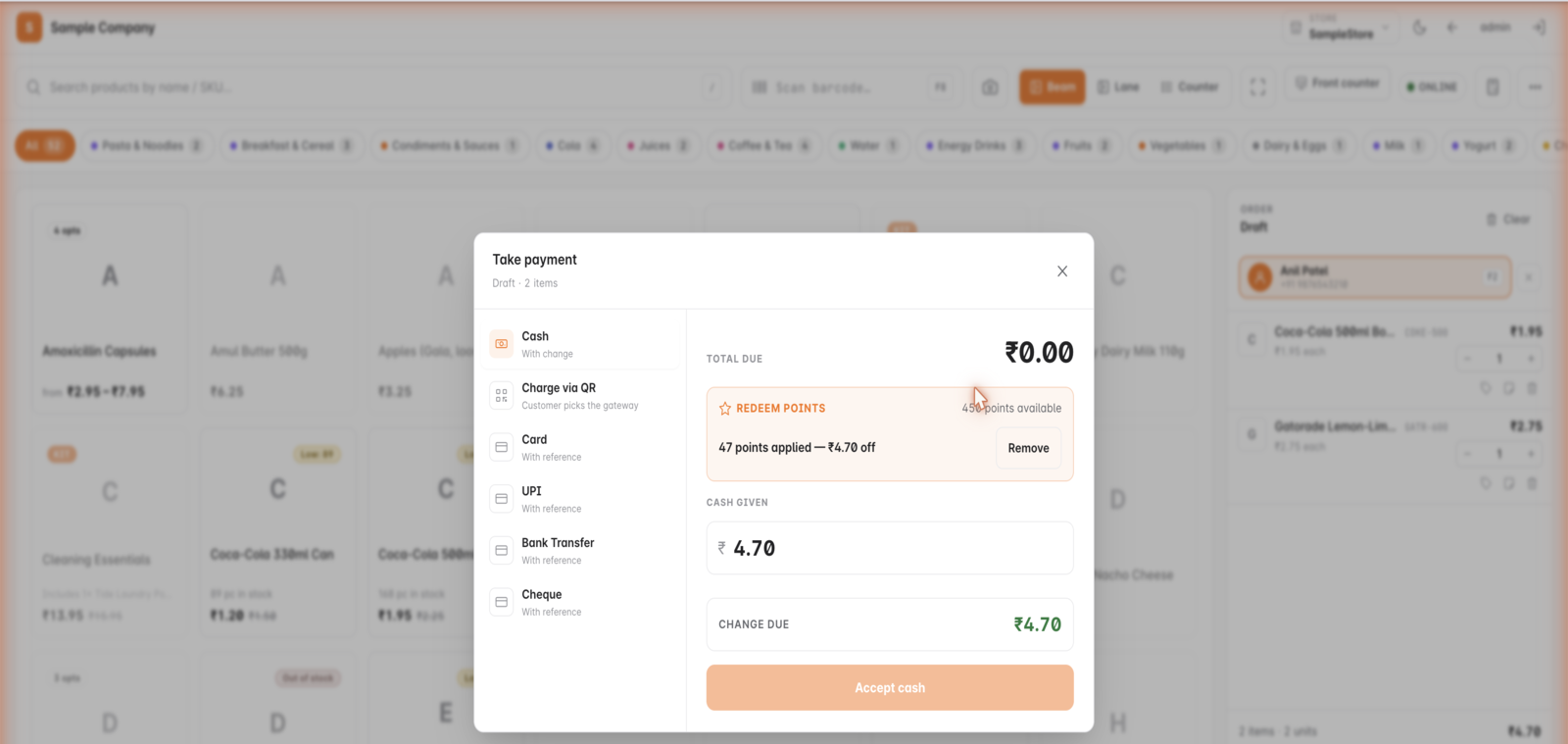
Inside GetBizApps POS
Loyalty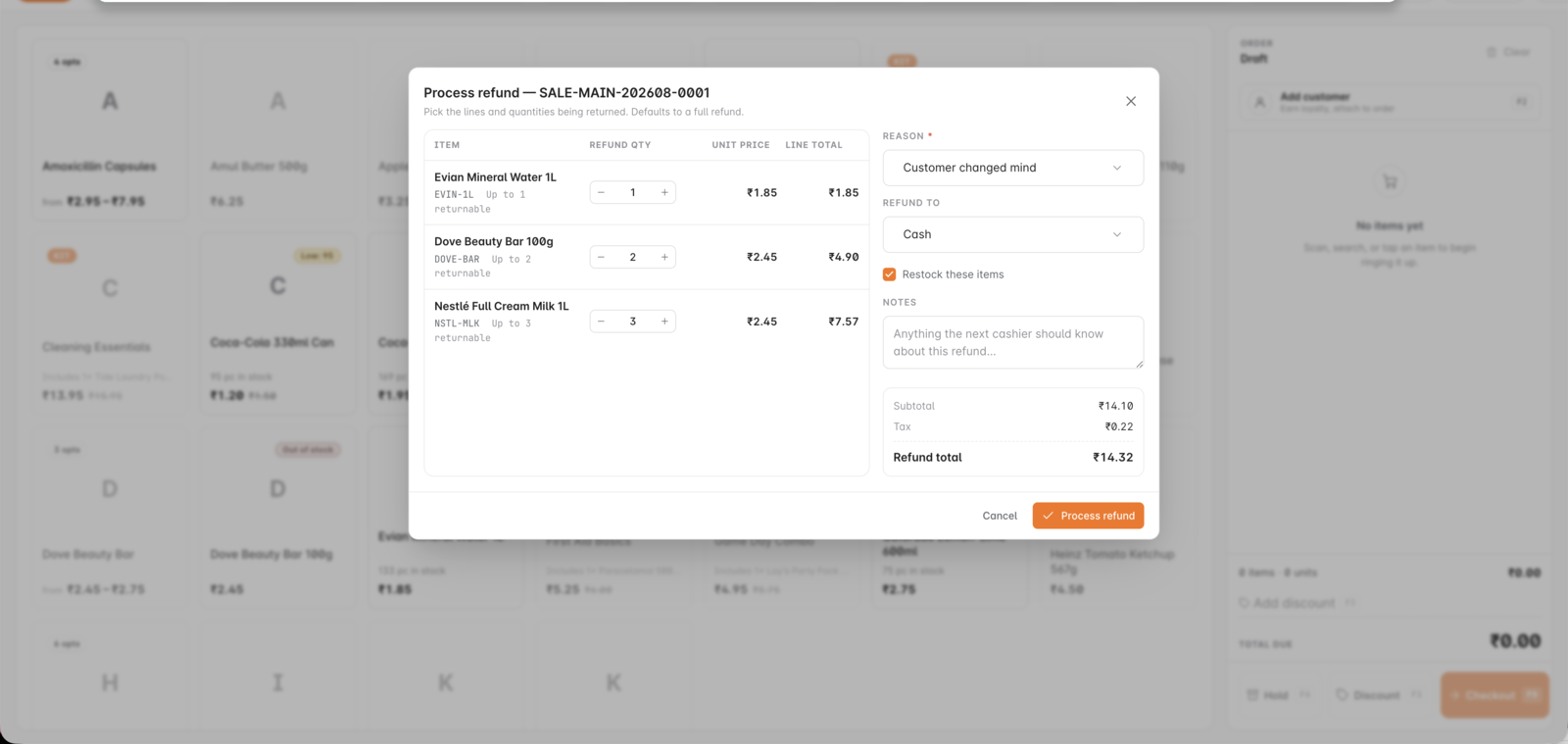
Inside GetBizApps POS
Returns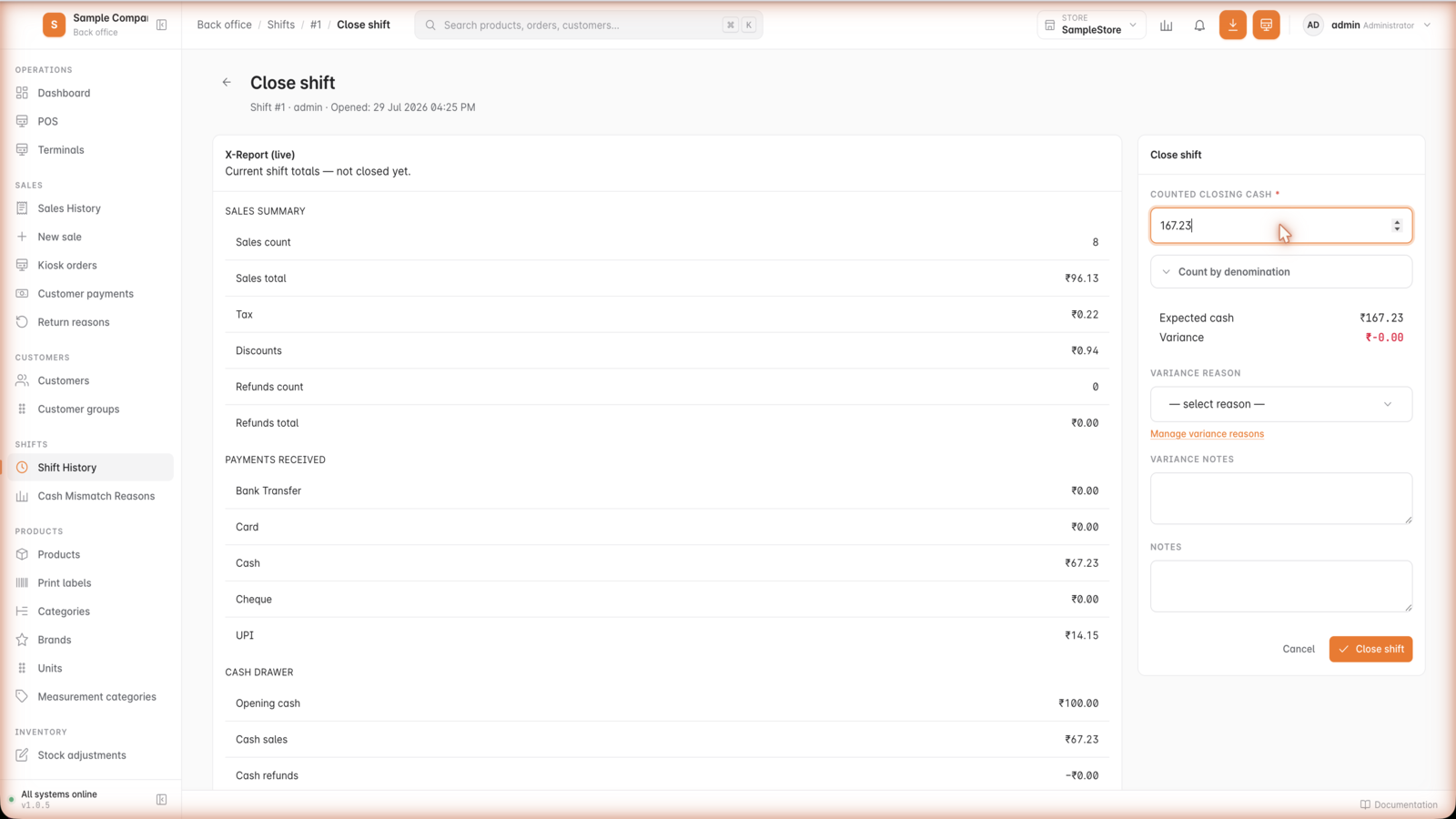
Inside GetBizApps POS
Shift close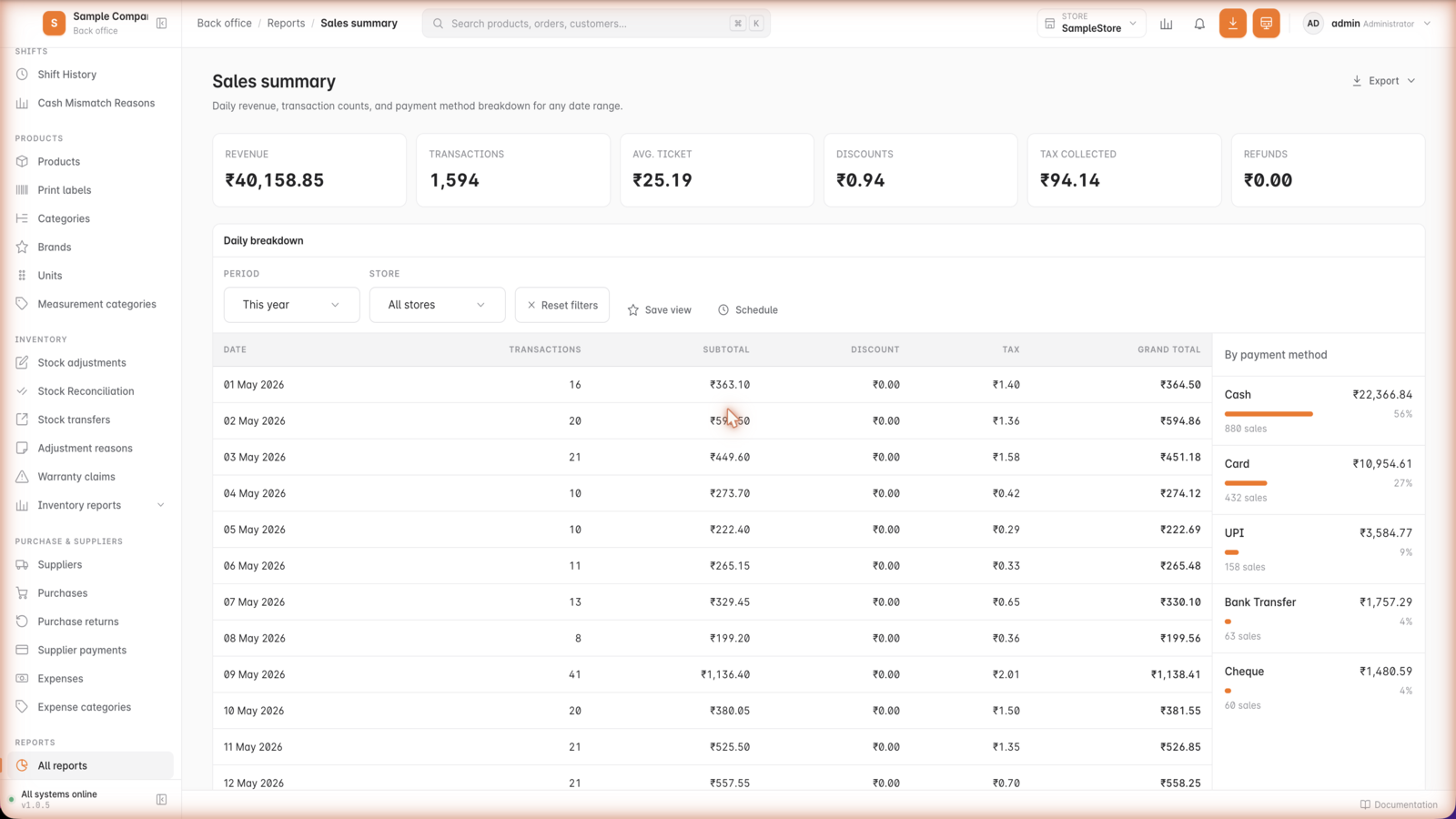
Inside GetBizApps POS
Sales reports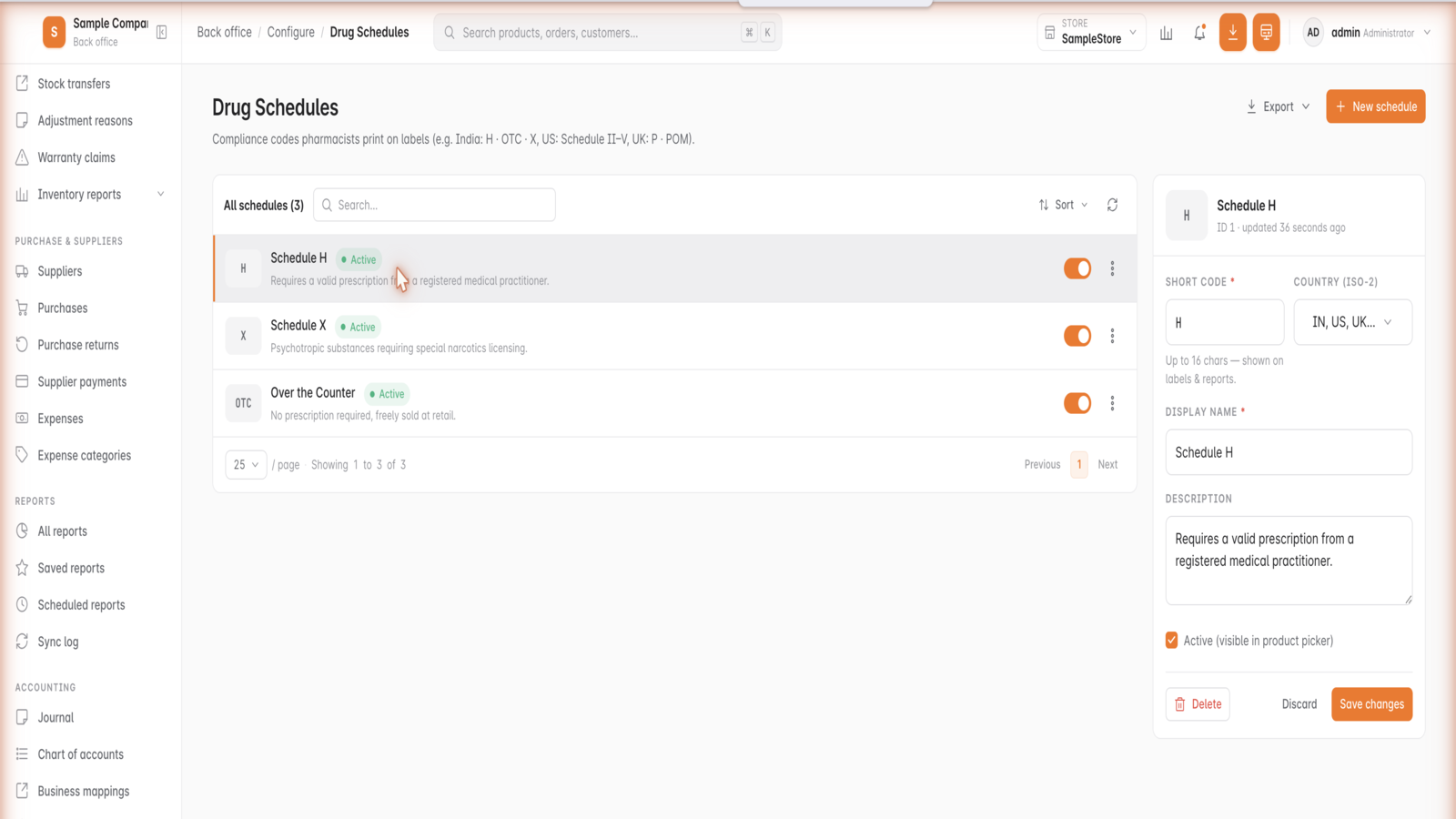
Inside GetBizApps POS
Drug schedules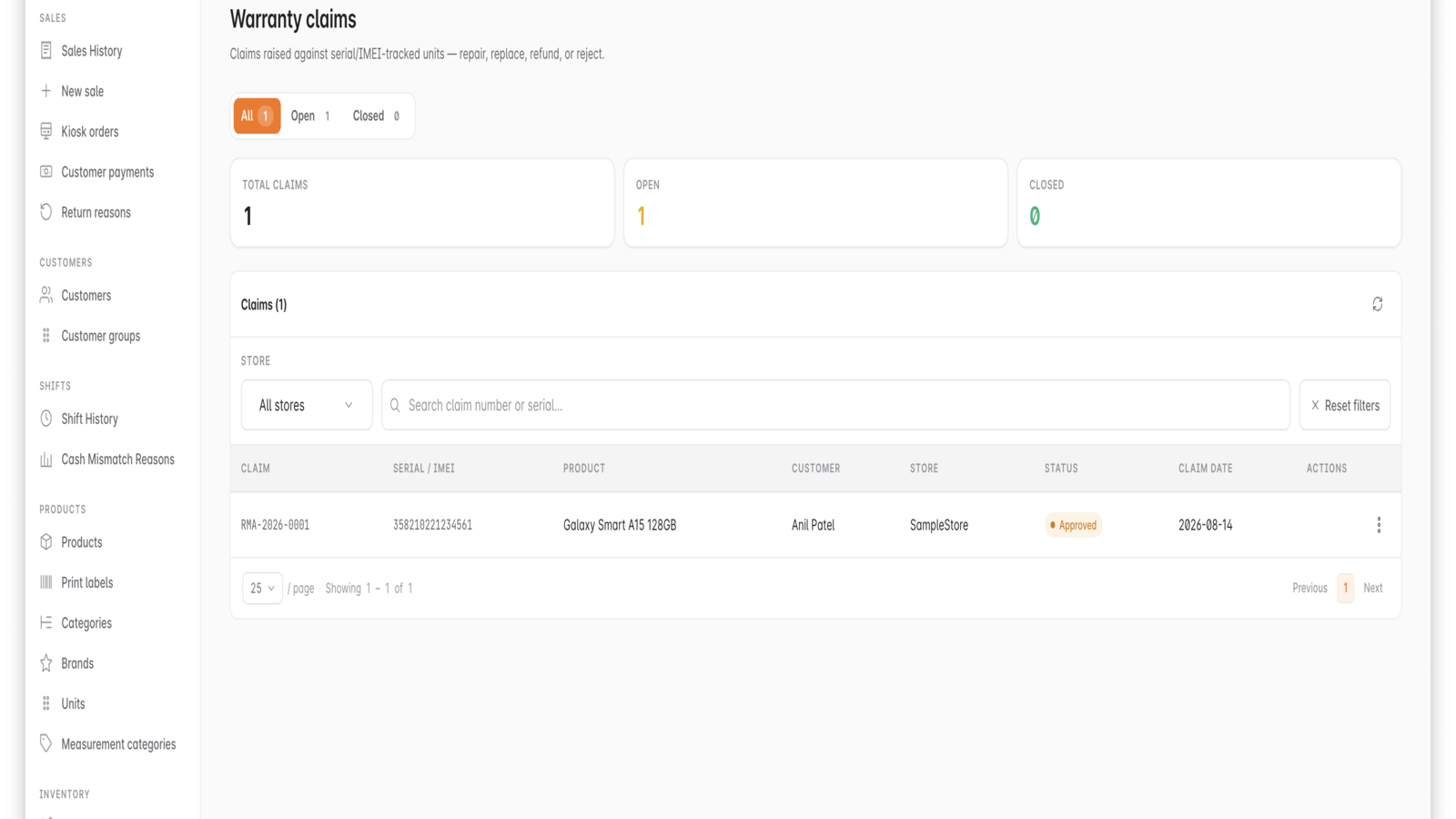
Inside GetBizApps POS
Warranty claims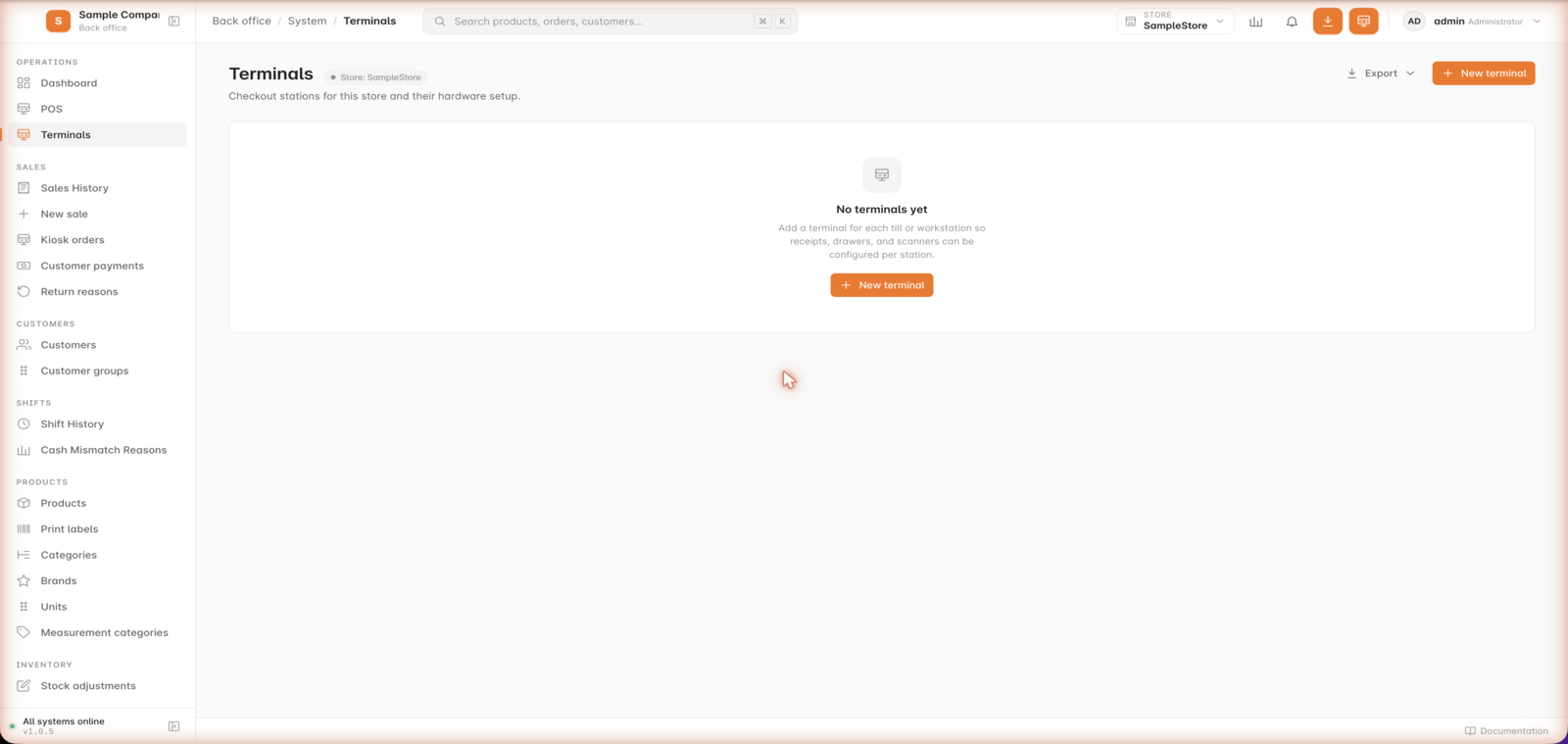
Inside GetBizApps POS
Terminals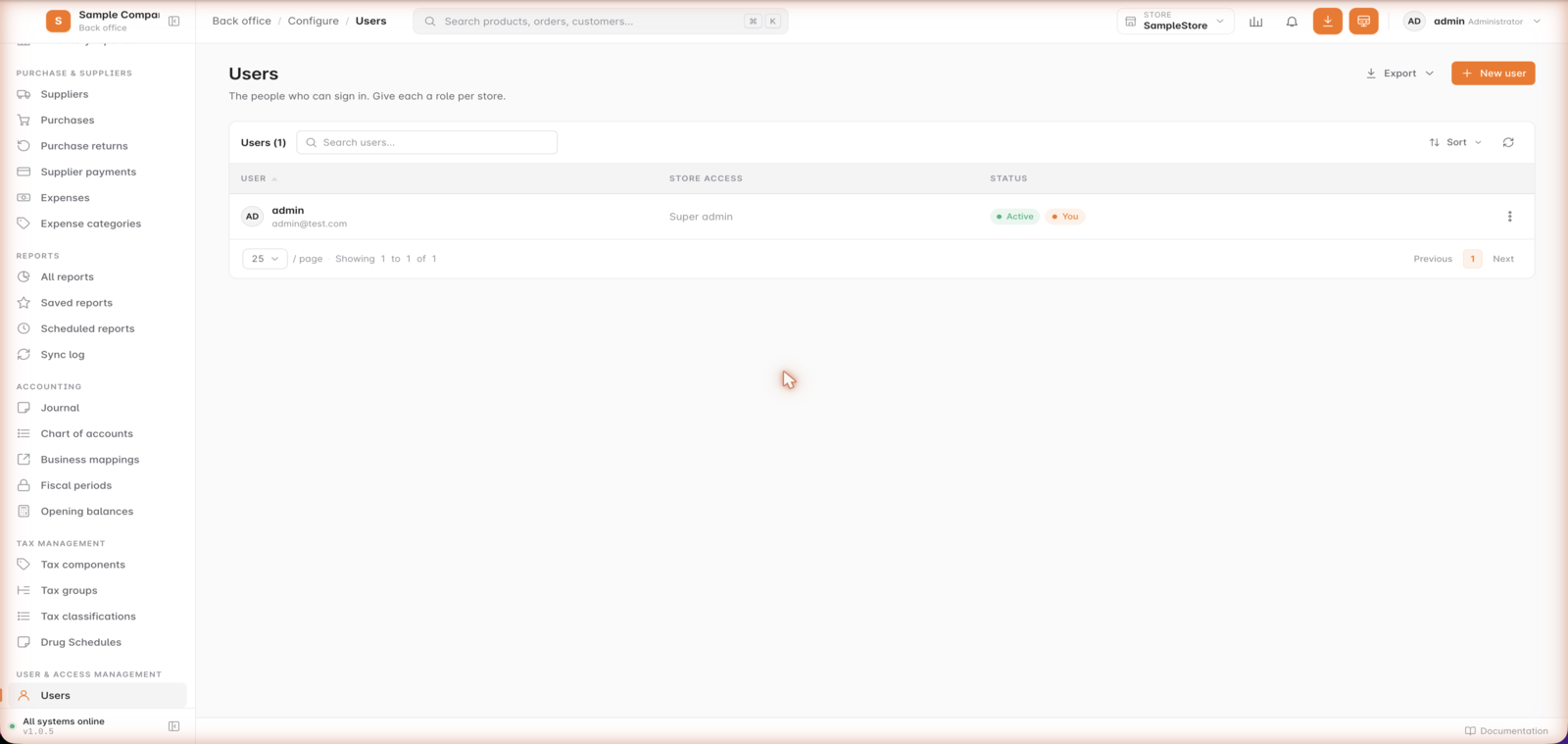
Inside GetBizApps POS
Users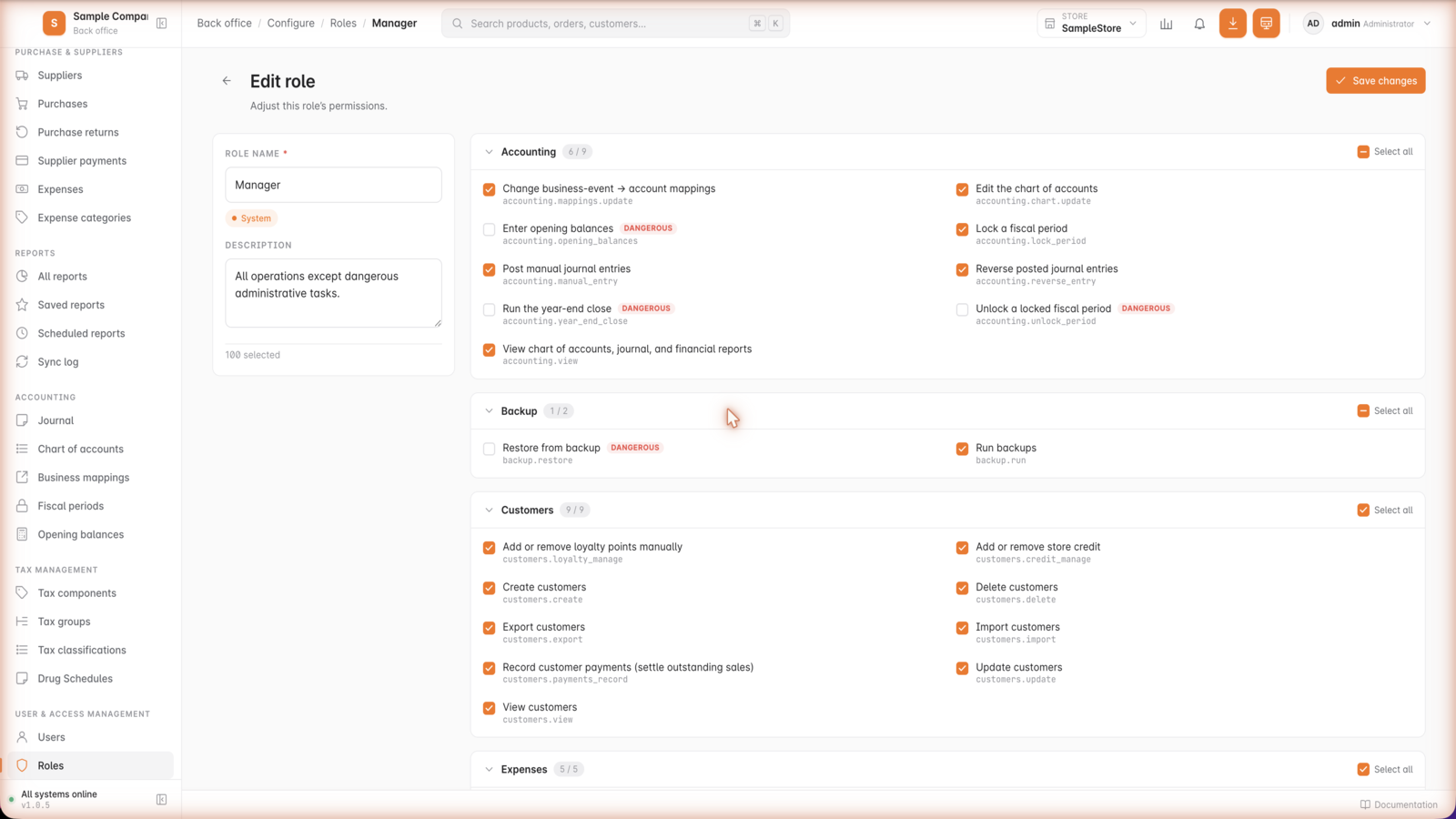
Inside GetBizApps POS
RolesAnd the full toolkit
The essentials are already built in.
Compact where it should be, complete where it matters.
Integrations and payments that fit your counter.







One price per store, per month.
Every feature is included on every plan — the rate per outlet just comes down as you add more stores. No per-transaction cut.
1 outlet
Single store
Billed annually
One counter or one shop, with everything the POS does included.
Book a demo2–5 outlets
Most chosenGrowing
Billed annually
Per store, per month. Stock and sales stay connected across outlets.
Book a demo6+ outlets
Chain
Billed annually
Volume rate for multi-store operations, billed on your outlet count.
Book a demoIncluded on every plan
- Unlimited products and transactions
- Cashier, inventory and purchasing
- Multi-store stock and sales in one view
- Online store and payment gateway sync
- Roles, permissions and staff accounts
- Reports, alerts and dashboard
- Hosting, backups and updates
- Keeps selling through brief outages
Same point of sale. Two ways to run it.
The counter works the same either way. What changes is where it runs, how it is billed, and the handful of features that need a connection.
| Capability | GetBizApps POS | POS Offline |
|---|---|---|
| Cashier, products and categories | Included | Included |
| Inventory, purchasing and stock movements | Included | Included |
| Customers, loyalty and quotations | Included | Included |
| Returns, refunds and flexible tax | Included | Included |
| Roles, permissions and staff accounts | Included | Included |
| Reports, alerts and dashboard | Included | Included |
| Multi-counter on one site | Included | Included |
| Where it runs | Hosted by GetBizApps | Your local server |
| Works with no internet at all | Brief outages | Included |
| WhatsApp / SMS sending | Included | Not available |
| Hosting, backups and updates | Included | You host; updates with renewal |
| Billing | Per store, per month | Yearly licence |
- Works with no internet at all
- The cloud POS keeps taking sales through short outages and syncs when the connection returns. The offline edition is built to run indefinitely without one.
- WhatsApp / SMS sending
- Sending receipts, quotations and statements over WhatsApp or SMS needs an outbound connection, so it is unavailable in the offline edition.
Release cadence
Your till gets better every fortnight.
GetBizApps POS is updated continuously rather than in occasional big releases, and every change is published where you can read it before you buy.
How GetBizApps ships
- A two-week release cycle, with a larger release each month.
- Every change published publicly, dated, with what it affects.
- Updates applied in place — no engineer visit and no counter downtime.
- Small increments, so staff are not re-learning the till after each one.
- A fix you report can realistically ship in weeks.
The long-cycle alternative
- Major versions months or years apart.
- Upgrades scheduled around trading, sometimes on site.
- Roadmaps shared selectively, if at all.
- A fix you need waits for the next release train.
- Everything changes at once, right where staff are serving customers.
Updates reach GetBizApps POS automatically, outside trading hours where it matters. Nothing is installed at the counter and no till has to be taken offline for an upgrade.
Recently shipped
- ImprovedCleaner accounting, transfers, and navigation, plus fixesMore precise accounting for overpayments and store credit, batch-aware transfers, a trimmed sidebar, cleaner exports, new numbering, plus fixes.
- NewStore credit at checkoutOverpayments now become reusable store credit instead of a negative balance, and cashiers can apply it as its own tender at the till.
- NewBatch-wise pricingKeep a separate cost, selling price, and MRP per batch, with batch prices flowing through purchases, transfers, and the cashier screen.
- NewInstall and manage pluginsOwners can now install, enable, and disable add-on plugins directly from Settings → Plugins.
What teams say
What counter staff and owners tell us.
Feedback customers sent us directly, on the channel they chose. Quotes are unedited, including their own shorthand for the product.
We moved our counter billing to GBA POS and the staff picked it up quickly. Sales, customers and inventory are now much easier for us to track.
Barcode billing and stock management work very well for our store. The checkout process is quicker and we have a much clearer view of what is actually in stock.
We use GBA POS across two outlets and it’s much easier to understand sales by location now. Earlier we were merging spreadsheets at the end of every week.
The product variants and inventory controls were the main reason we selected GBA POS. We sell items in different sizes and colours, so basic stock software was not enough.
The dashboard gives me the numbers I actually look for every morning: sales, orders, stock movement and payment totals.
We connected the POS with our accounting workflow, which means the back office doesn’t have to manually enter every day’s sales again.
The multi-warehouse setup has helped us a lot. We can transfer inventory between locations and still keep the stock figures organized.
Simple checkout for staff, detailed reporting for management. That balance is harder to find in POS software than it should be.
Discounts, taxes and multiple payment methods were straightforward to configure. Our cashiers did not need weeks of training.
Customer purchase history is useful because our team can recognize repeat customers and understand what they usually buy.
We run a bakery with a lot of daily transactions. GBA POS keeps the counter fast without making inventory management complicated.
The sales reports helped us identify which products looked busy on the shelves but were actually moving slowly. We’ve reduced unnecessary stock since then.
We added online payment support and now customers can choose the payment method they prefer without our team maintaining separate records.
The best part of GBA POS for us is that it doesn’t stop at billing. Inventory, customers, purchases and reports are all connected.
FAQ
GetBizApps POS questions.
What shops ask before moving their counter onto GetBizApps POS.
GetBizApps POS is a cloud point-of-sale system for retail shops, grocery stores, supermarkets and pharmacies. It runs the cashier counter, inventory, purchasing, customers and reporting in one place, connects to online stores and payment gateways, and is billed as a monthly subscription per store. It is part of the GetBizApps platform at getbizapps.com.
GetBizApps POS is priced per store, per month, with the rate per outlet coming down as you add more stores, and a lower effective rate when billed annually. Every feature is included on every plan and there is no per-transaction fee. Prices are shown in both USD and INR.
Yes, through short outages. The cloud POS keeps taking sales when the connection drops and syncs them automatically once it returns. If your site has no reliable internet at all, GetBizApps POS Offline is the edition built for that — it runs entirely on a local server inside your premises.
Yes. Stock, sales and reporting stay connected across every outlet in a single view, and pricing is per store so you only pay for the outlets you run. Roles and permissions control what staff at each location can see and do.
GetBizApps POS accepts cash, cards and QR payments at the counter, and connects to online gateways including Stripe, Razorpay, Paystack, Flutterwave and Mercado Pago. Receipts, quotations and statements can also be sent to customers over WhatsApp.
Yes. GetBizApps POS syncs products, inventory, orders, customers and pricing with Shopify and WooCommerce, so what sells at the counter and what sells online draw on the same stock and reporting.
GetBizApps POS is built for retail shops, grocery stores, supermarkets and pharmacies, including multi-store operations. It handles product variants, weight and barcode pricing, large catalogues, fast checkout lanes and pharmacy-specific needs such as drug schedules.
Yes. Hosting, backups and product updates are included in the subscription, so there is no server for you to run or maintain. If you would rather host it yourself on your own hardware, GetBizApps POS Offline is licensed for exactly that.
Ready to run your store on GetBizApps POS?
Tell us how many outlets you run and what you sell, and we will walk you through the counter, the stock control and the numbers.
Hosting, backups and updates included · No per-transaction fee